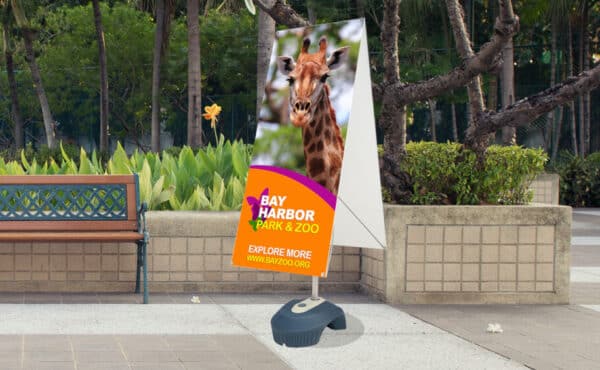
GRASSHOPPER-X STAND SET-UP GUIDE
01 - Contents: One [1] folded stand.
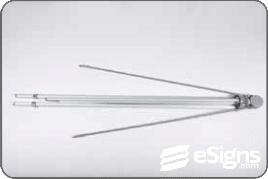
02 - Unfold the three metal legs of tripod base. Once open, your Grasshopper-X will stand on its own.
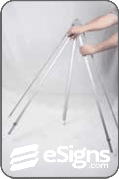
03 - Raise the two upper arms (attached to gear mechanism) simultaneously until they stop.
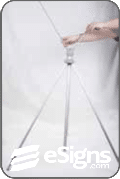
04 - Set the gray toggle switch on the central pole to "unlock" by moving it to its center position.

05 - Pull the central pole up to increase the height of stand.
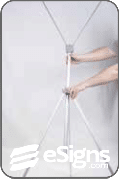
06 - Attach the banner to the bottom of stand.
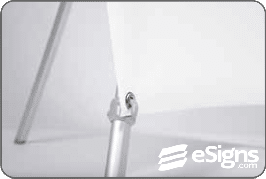
07 - Attach the banner to the top of the stand.

08 - Adjust the stand's height by pulling up on central pole until banner is taut.
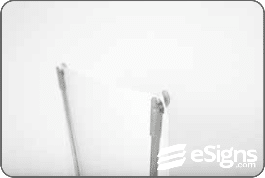
09 - Set the gray toggle switch on the central pole to "lock" by moving it either the left or right–off of its central position.
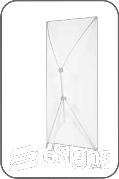
10 - YOUR GRASSHOPPER-X BANNER STAND IS READY TO USE!